How to share WiFi and check-in details with Airbnb guests
"What's the WiFi?" is the most common message a host gets. "How do I get in?" is the most stressful one, usually sent from the street at 23:00.
Both are easy to prevent. The question is where the details live, and who can see them.
Where hosts usually put them — and what goes wrong
| Method | What goes wrong |
|---|---|
| Airbnb message thread | Buried under ten other messages by arrival day |
| Printed card in the flat | Doesn't help a guest standing outside the door |
| Sticker on the router | Guests don't know where the router is |
| PDF sent by email | Hard to find, hard to read on a phone |
| Public guidebook link | Anyone with the link sees your door code |
What good looks like
- The guest has the details on their phone before they arrive.
- Private details are visible only to the booked guest, ideally only from check-in day.
- WiFi is one tap, not a 16-character password typed from a screenshot.
- There is a fallback in the flat for anyone who didn't open the link.
Step by step
1. Write clear entry steps
Which street door, which floor, which lift, where the key box is, how the lock behaves. Test it by reading it to someone who has never been there.
2. Keep the door code off public pages
Door codes and key-box codes are the one thing you never want on an open link. Use Airbnb's scheduled messages to send them close to arrival, or a guest page that shows them only to verified guests on check-in day.
3. Make WiFi one tap
A copy button or tap-to-connect card saves the guest typing and saves you a message.
4. Send one link before arrival
Airbnb lets you insert the guest's first name and confirmation code into scheduled messages automatically. If your guest page supports a personal link per booking, one line pasted once reaches every guest.
5. Put a QR code by the door
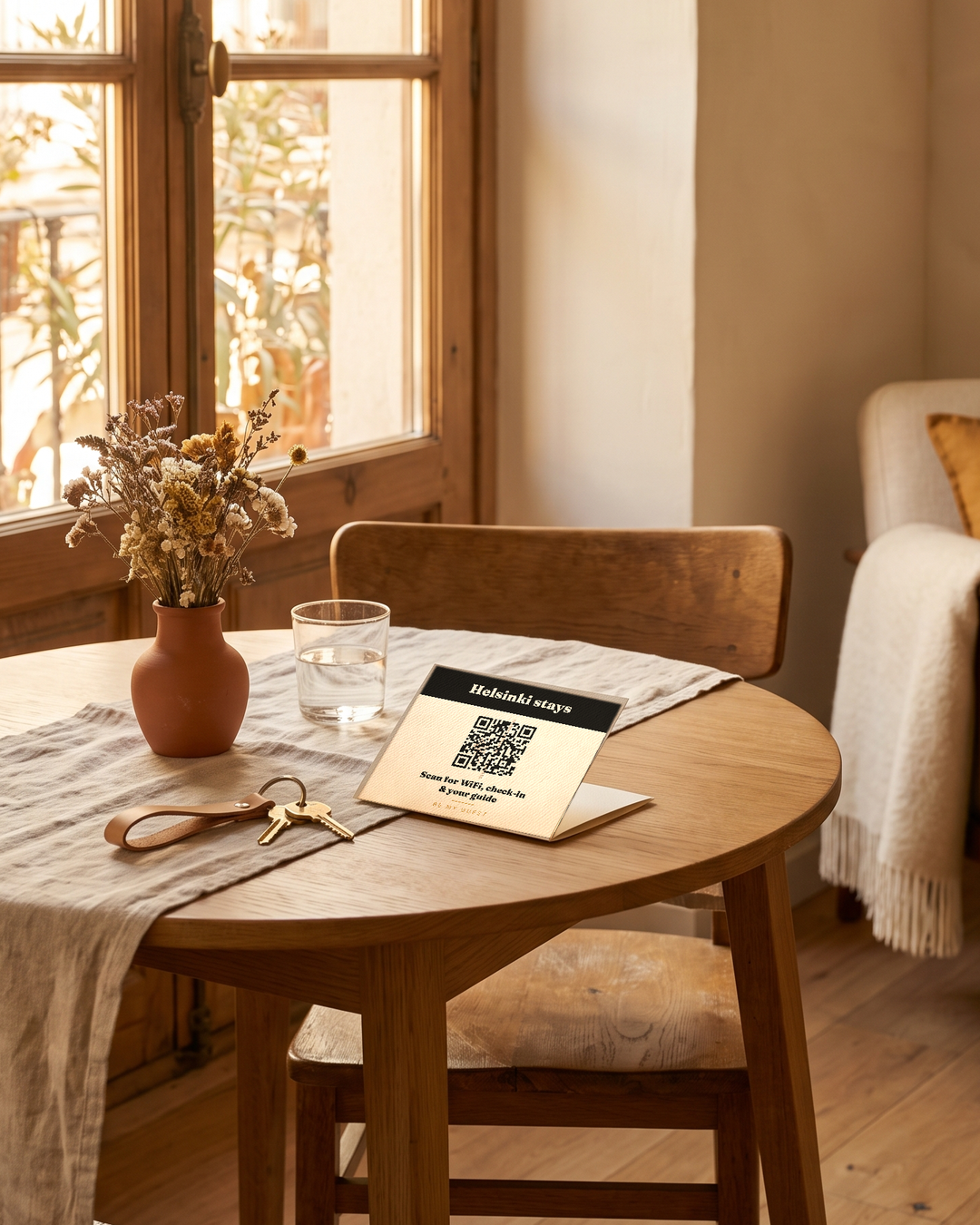
A printed card is the backup for guests who never opened the link — and for Booking.com or Vrbo guests, whose messages work differently.
How Bemgu handles it
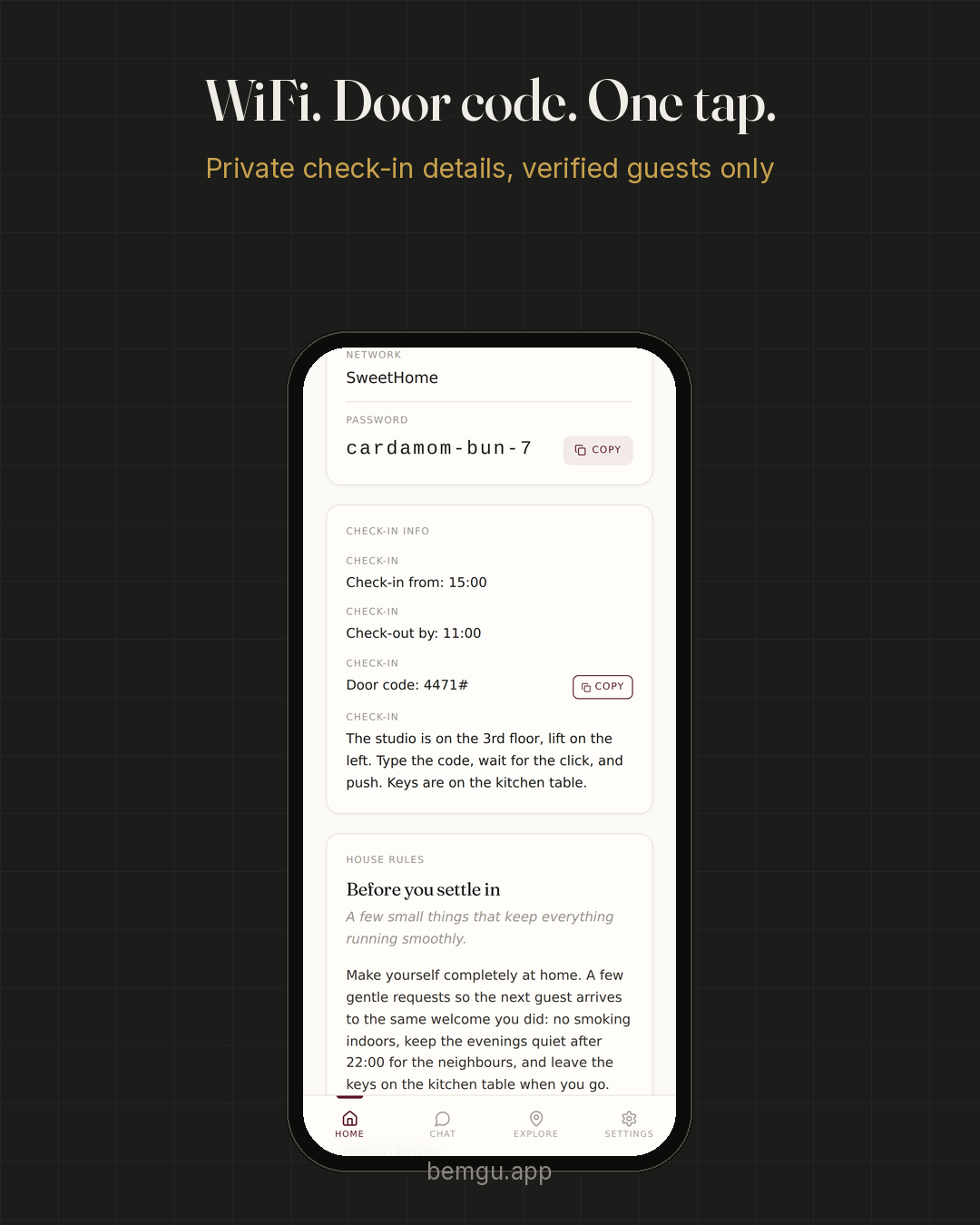
With Bemgu, the guest gets their own page from the Airbnb welcome message weeks before arrival. WiFi and the door code stay hidden, then appear on check-in day by themselves, on the page already on the guest's phone. WiFi is a one-tap card. A QR card in the apartment covers anyone who didn't use the link. see how the check-in page works
FAQ
Is it safe to send the door code in the Airbnb app?
Airbnb messages are private to the guest, so yes. The problem is findability, not safety: the code is easy to lose in a long thread.
When should guests get the check-in details?
The entry steps can go early. The code itself is best sent close to arrival, or shown only from check-in day.
Can I automate this?
Airbnb scheduled messages can send details at set times. A guest page with timed access does the same without you managing messages per booking.